12 LinkedIn Posts Everyone Scrolls Past (and What to Post Instead)
People reject most LinkedIn posts in half a second without reading a word. Here are the 12 formats that get skipped on sight, the AI writing tells that trigger it, and what to post instead.
Open LinkedIn and watch your own thumb for thirty seconds. You are not really reading posts. You are rejecting them. Most never get a fair shot, because they look exactly like the last 500 posts you already skipped. Nobody decides "I hate this post." The thumb just keeps moving.
We spend a lot of time helping B2B teams earn attention on LinkedIn, and the uncomfortable part is that getting ignored usually has nothing to do with the quality of your idea. It has to do with your post wearing a costume the reader has been trained to skip. The eye clocks the costume, the brain files it under "seen this," and you are gone before your first sentence lands.
Here are the twelve costumes, the AI writing tells that set off the alarm fastest, and what to post instead.
How people actually read LinkedIn (they don't)
Readers scan LinkedIn by shape, not by content. Before a single word registers, the eye takes in the silhouette of a post: the spacing, the emoji, the link card, the carousel, the wall of hashtags. That shape gets matched against thousands of posts the reader has already dismissed, and a yes or no decision happens in well under a second. Your words only get read if the shape clears that first filter.
So the goal is not "write better." It is "stop looking like the posts people have learned to ignore." The first six below get rejected for how they look. The last six get rejected for what genre they obviously belong to.
The posts people reject on sight
1. The emoji explosion
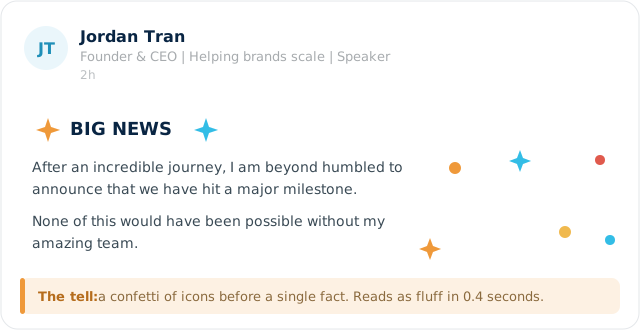
A celebration post where icons arrive before any actual fact. Rocket, sparkle, folded hands, repeat. The reader registers "announcement, no information" and moves on. Emoji used as decoration signals fluff faster than the words can be read.
2. The AI broetry rhythm
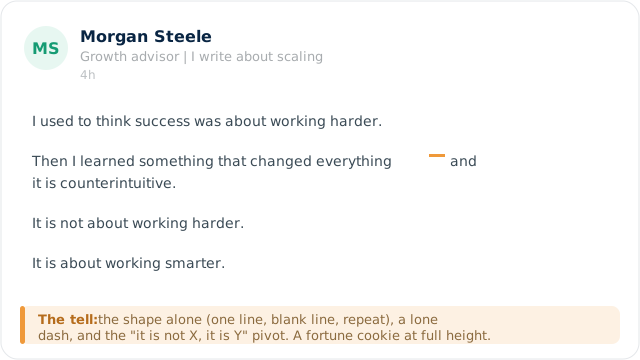
One short line. Blank line. One short line. Blank line. A life lesson. This rhythm used to feel punchy. Now it is the single fastest way to look machine-generated, because half the feed is written in it. The reader recognizes the cadence and assumes the content underneath is hollow.
3. The document trap
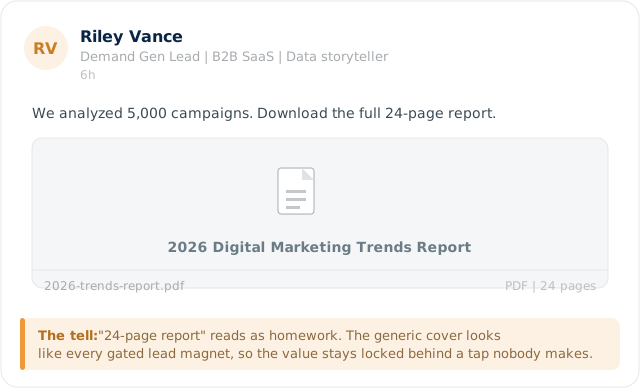
"We analyzed 5,000 campaigns. Download the 24-page report." A page-one-of-twenty-four preview reads as homework, and the cover looks like every other lead magnet. The value is hidden behind a tap, so the tap never happens. People do not leave the feed to do your reading for you.
4. The naked link
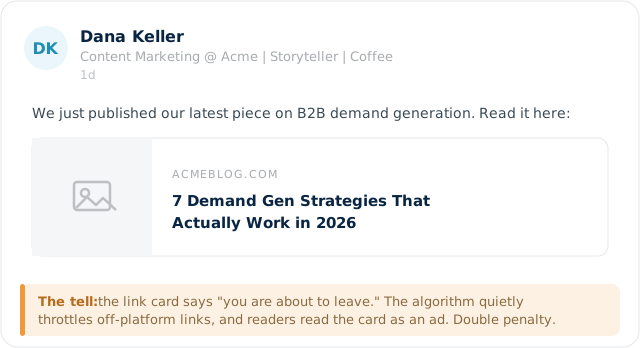
A sentence followed by a link card to your blog. The card itself announces "you are about to leave LinkedIn." On top of that, the platform quietly limits reach on posts that send people off-site, so fewer readers ever see it, and the ones who do treat the card as an ad. You get punished twice.
5. The Canva carousel everyone uses
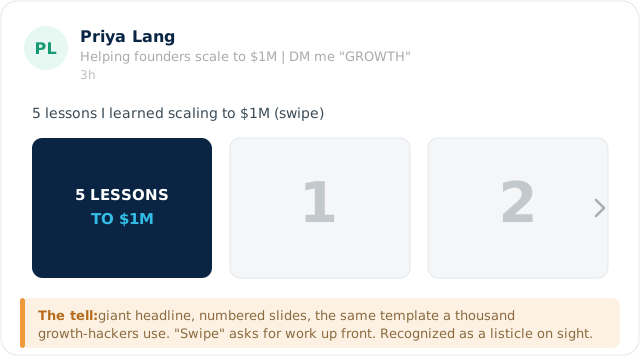
Giant headline cover, numbered slides, the exact template a thousand other accounts use. "Swipe" asks for effort before any payoff has been offered. The reader has seen this listicle a hundred times and pattern-matches it as generic before slide one is even read.
6. The comment gate plus hashtag wall
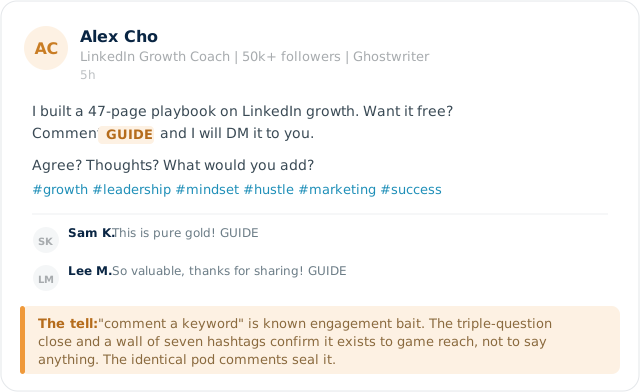
"Comment GUIDE and I will DM it to you." The comment-a-keyword mechanic is a known reach hack, the "Agree? Thoughts? What would you add?" close is engagement farming, and the seven trailing hashtags are the tell that this post exists to be gamed, not read. The identical "this is gold" pod comments finish the job.
The posts people reject by genre
These are not formatted badly. The reader just recognizes the type and skips. No images needed, you already see them in your head.
7. The conference selfie. "Incredible energy at the event today" with a blurry group photo and fourteen tags. It is a personal scrapbook posted to a professional feed. A stranger has no reason to stop.
8. The screenshot of a tweet. A cropped post from somewhere else with "This." on top. Visibly borrowed. The eye registers recycled content instantly.
9. The "unpopular opinion" that is wildly popular. "Unpopular opinion: work-life balance matters." It is the most popular opinion on the platform. The hook over-promises and the reader has seen the bait a thousand times.
10. The business-breakdown clone. "Netflix did this one thing. Here is the genius behind it." Every third post is a teardown of a famous company. The eye sees the setup and pre-skips.
11. The rags-to-riches number hook. "18 months ago I had $42 in my account. Today we hit $2M ARR. Here is how." The specific-number-then-reveal structure is so cloned that the number now reads as fiction.
12. The job-anniversary auto-post. The platform-generated "celebrating my work anniversary" card. Useful to the person posting it, invisible to everyone else.
The AI tells that trigger an instant skip
You flagged this one, so here is the fingerprint, well beyond the obvious dashes. When a post has a few of these stacked together, readers now smell a language model and skip on reflex.
| Tell | What it looks like |
|---|---|
| The long dash | "It changed everything, and it is counterintuitive," but written with a dash instead of a comma. Real people on LinkedIn almost never reach for it. |
| "It is not X. It is Y." | The antithesis pivot, often stacked: "It is not about hustle. It is about heart." |
| "X is not just Y. It is Z." | The escalation. "Leadership is not just managing. It is inspiring." |
| Threes everywhere | "Clear. Consistent. Compounding." Three balanced fragments where a person would have written one messy sentence. |
| Connective throat-clearing | "Here is the thing." "Let us be honest." "And the best part?" sitting alone as a setup line. |
| The model vocabulary | delve, leverage, robust, landscape, realm, tapestry, testament, "in today's fast-paced world," "navigate the complexities of." |
| Hollow specificity | "3 lessons," "5 things," "7 ways," round listy numbers with no real detail underneath them. |
| Emoji bullets | Green check, green check, green check, used as list markers in perfectly parallel rows. |
| Suspicious cleanliness | Zero typos, flawless parallel structure, no idiosyncrasy. Real writing has texture. This has none. |
| The bow on top | "The takeaway? The lesson is simple," wrapping a neat conclusion on a post that said nothing. |
The irony is that avoiding these makes your writing better whether a human or a model wrote the draft. Specific beats polished every time.
What actually stops the scroll
The pattern under every example above is the same: the post asks for effort (read the PDF, swipe the deck, leave the platform, decode the humblebrag) before giving any reason to care. The posts that stop the thumb do the opposite.
- Lead with a concrete, slightly unexpected detail. "We spent $80,000 testing this and the winning ad was the ugly one" beats any version of "here are 5 lessons."
- Keep the value in the feed. Say the useful thing in the post. If you have a link, drop it in the first comment so the post itself is not penalized.
- Write like one person talking to one person. Short is fine. Plain is fine. A real number and a real opinion beat a clean template.
- Cut the costume. No emoji bullets, no seven hashtags, no comment gate. Let the idea carry it.
- Earn the next line. Your first sentence has one job, which is to make the second sentence get read. Curiosity, a number, or a strong claim does that. A throat-clear does not.
Native beats gated. Specific beats polished. A plain post with one real number will usually outrun the prettiest carousel in the feed.
Getting attention on LinkedIn is mostly about not looking like everything people have learned to ignore. If your company page or founder profile is stuck in corporate-costume mode and you want it to sound like a person who actually knows the work, that is a big part of what we do at Clever Zebo. We run paid and organic social, content, and demand generation for B2B SaaS teams. (Running LinkedIn ads too? Make sure you are tracking conversions properly.) Get in touch if you want a second set of eyes on yours.
Why do my LinkedIn posts get no engagement?
Most posts get rejected by shape before anyone reads them. If your post looks like a known skip pattern (emoji explosion, broetry rhythm, gated PDF, naked link, generic carousel, comment-bait), readers move on in under a second. Fix the costume first, then worry about the words.
Do external links hurt your LinkedIn reach?
In practice, yes. LinkedIn favors content that keeps people on the platform, so posts whose main payload is an off-site link tend to get less distribution. Putting the link in the first comment instead of the post body is the common workaround.
Are PDF and document posts good for LinkedIn?
They can work, but a generic "download the 24-page report" cover reads as homework and gets skipped. If you use a document, make the first slide deliver a real insight on its own so the value is visible without a download.
How do I make my LinkedIn posts sound less AI-generated?
Cut the long dashes, the "it is not X, it is Y" pivots, the rule-of-three fragments, and filler words like leverage and robust. Add a specific number, a real example, and at least one sentence only you could have written. Texture is what reads as human.
What is the best way to start a LinkedIn post?
Open with the most concrete or surprising thing you have, ideally a real number or a sharp claim. The only job of the first line is to get the second line read.